

Packaging production agent

Create supplier-ready pouch visuals from one brief.

Give LaunchPouch your specs, references, logo, and dieline. The agent designs the visual direction while keeping text, barcode, nutrition, and print layers editable for factory handoff.

lp
Waiting for brief1875 x 2775 px @ 300ppi
Canvas - references, directions, structured layers
Content reference

Mapped reference

Content reference

Style reference

Mapped reference

Style reference

Fresh Minimal

AI direction

Fresh Minimal

Warm Natural

AI direction

Warm Natural

Production route

AI direction

Production route

Agentic intelligence

Thinking in packaging systems.

Your team does not need one pretty render. It needs every launch image to follow the approved pouch, claims, pack structure, and SKU system.

Image1024 x 1365
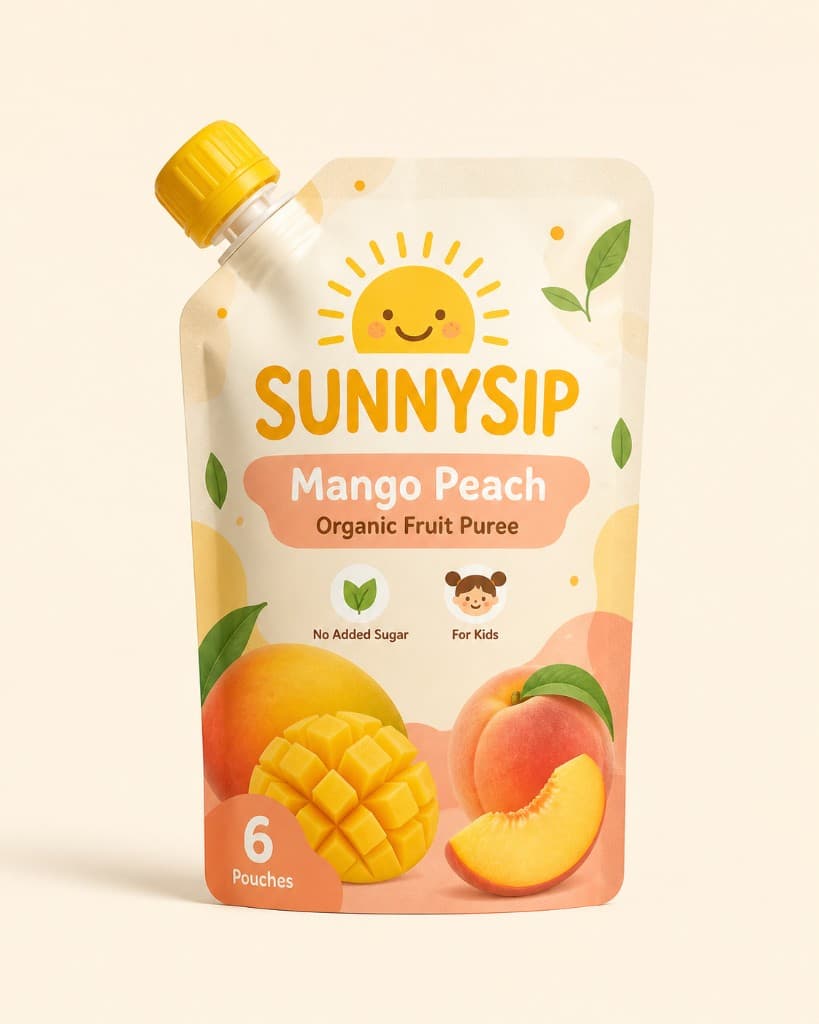
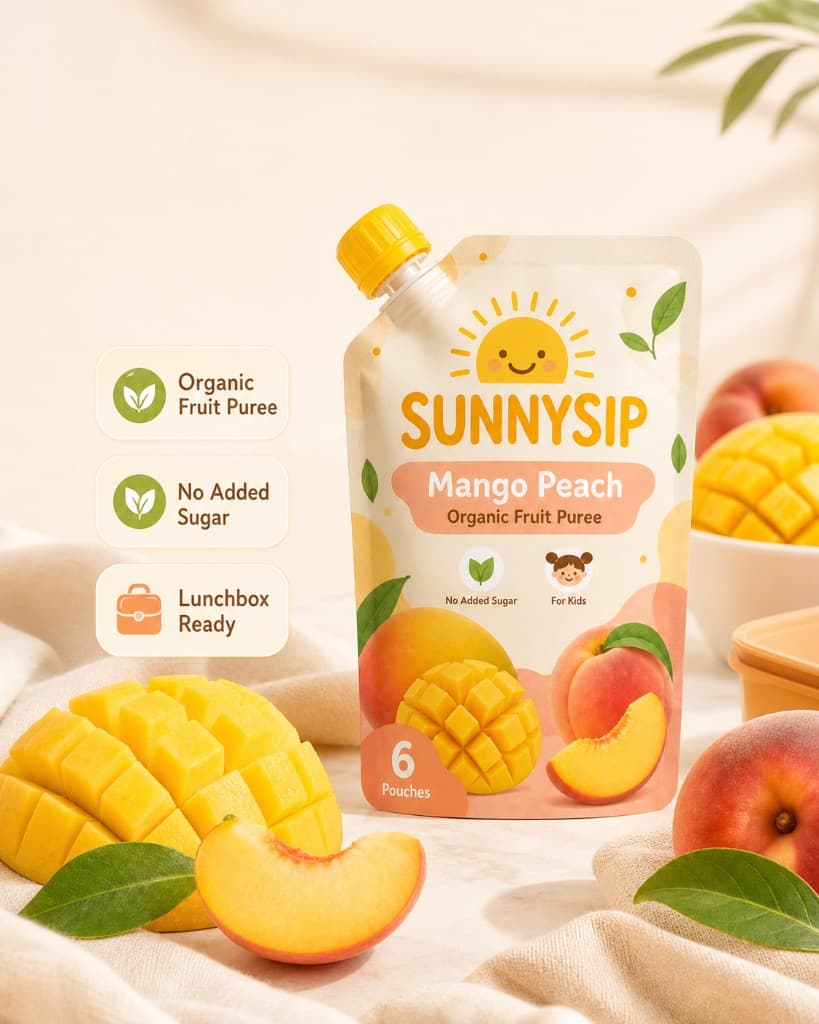
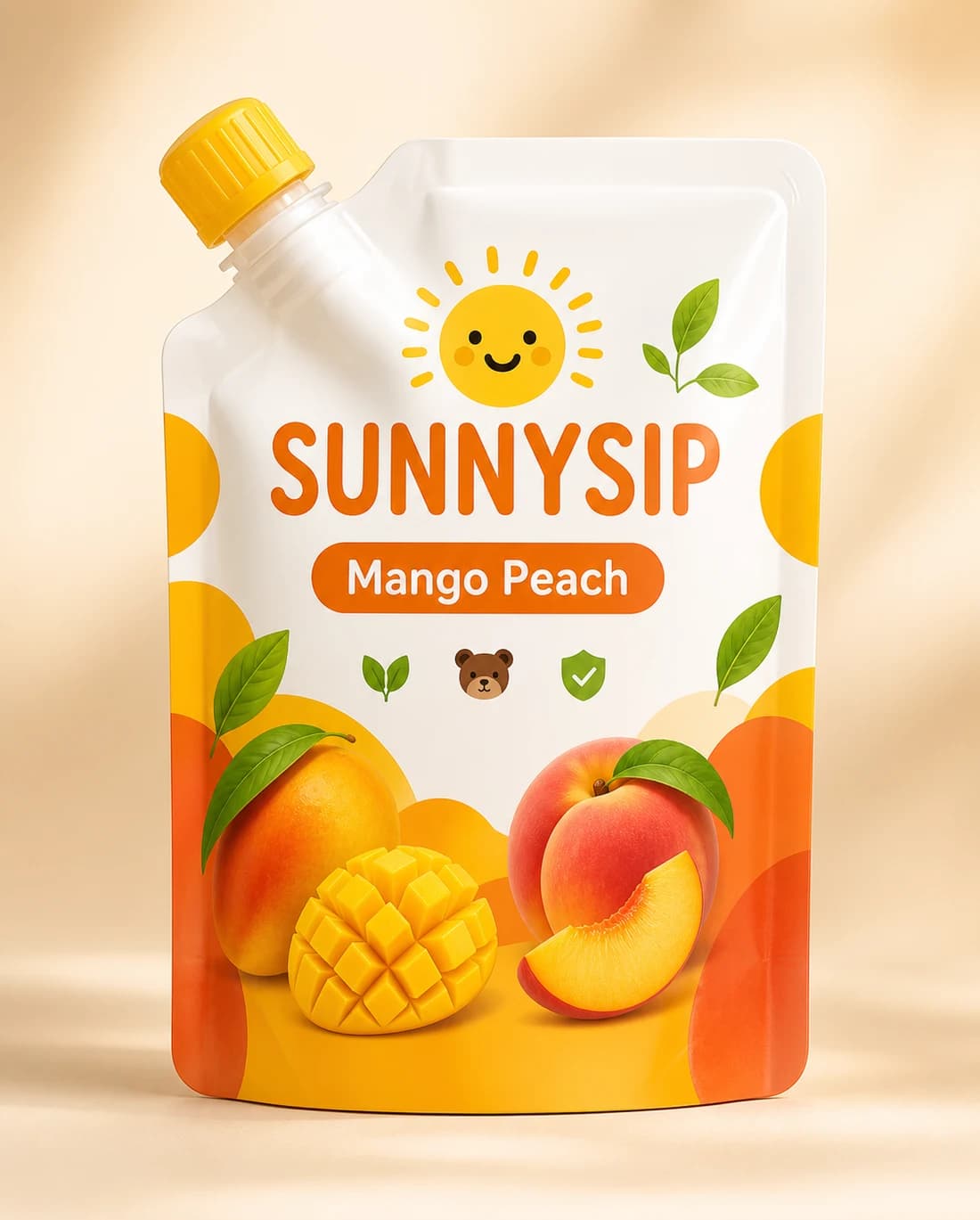
SunnySip source spout pouch
SunnySip pack
Agent response
WorkingWorkingWorkingWorking

Production workflow

Build packaging from AI-made parts.

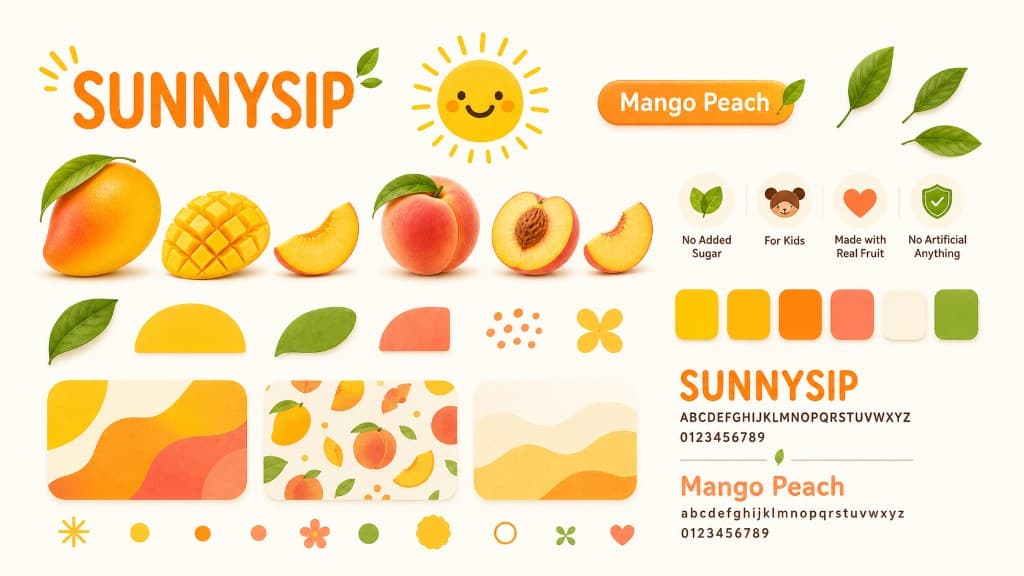
AI creates backgrounds, product cues, badges, colors, and patterns. Required production marks stay as editable layers on the pouch dieline.

Open Production Setup
Dieline canvas90 x 130 mm / 300ppi
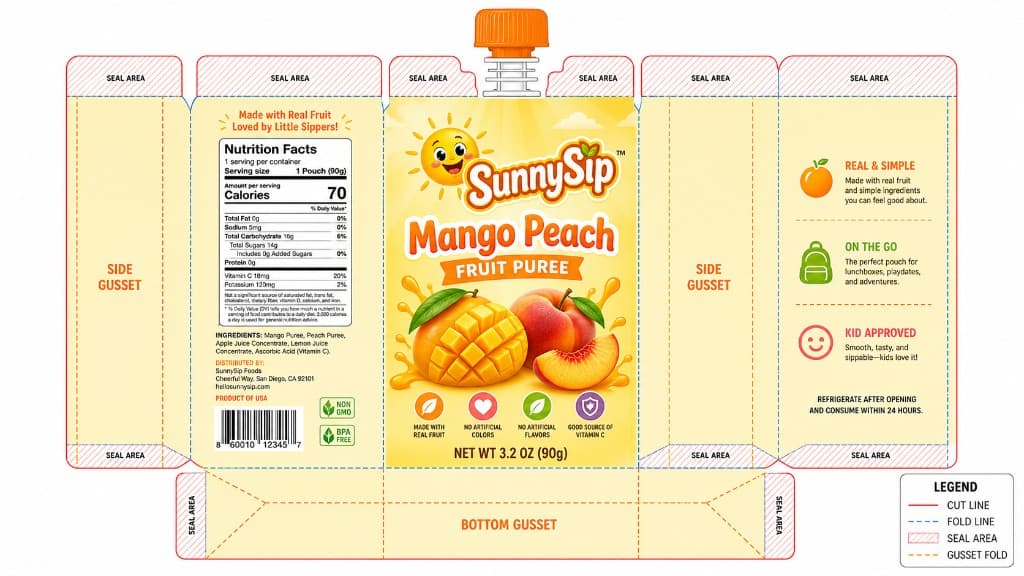
SunnySip spout pouch dieline with editable production layers
Logo layerCopy layerBarcode layerWindow mask
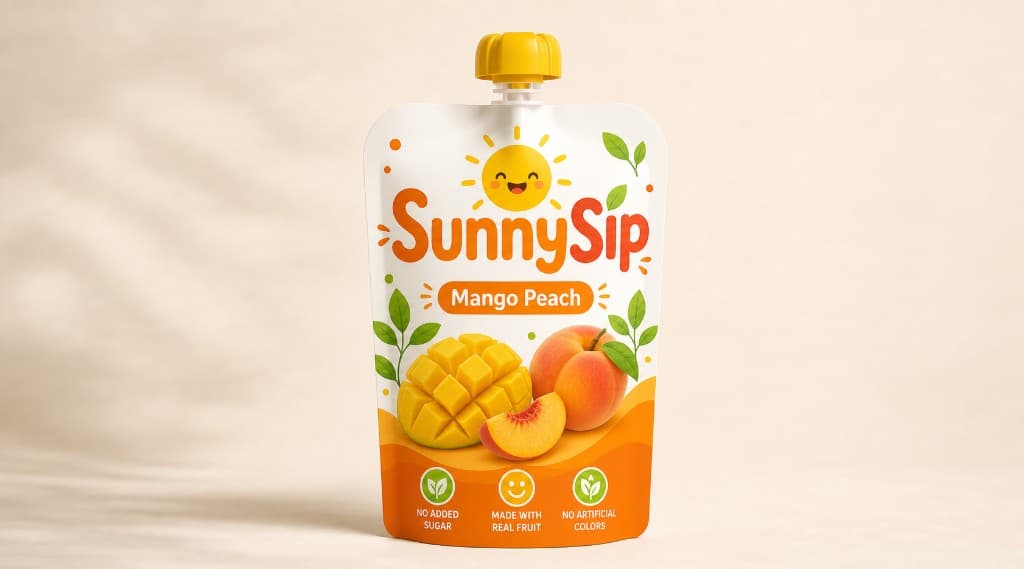
Final SunnySip pouch render in a studio scene
Mockup proof

Dieline

Size, bleed, safe zones

Ready

PrintMaster

Editable logo, text, barcode, nutrition

Pass

Mockup

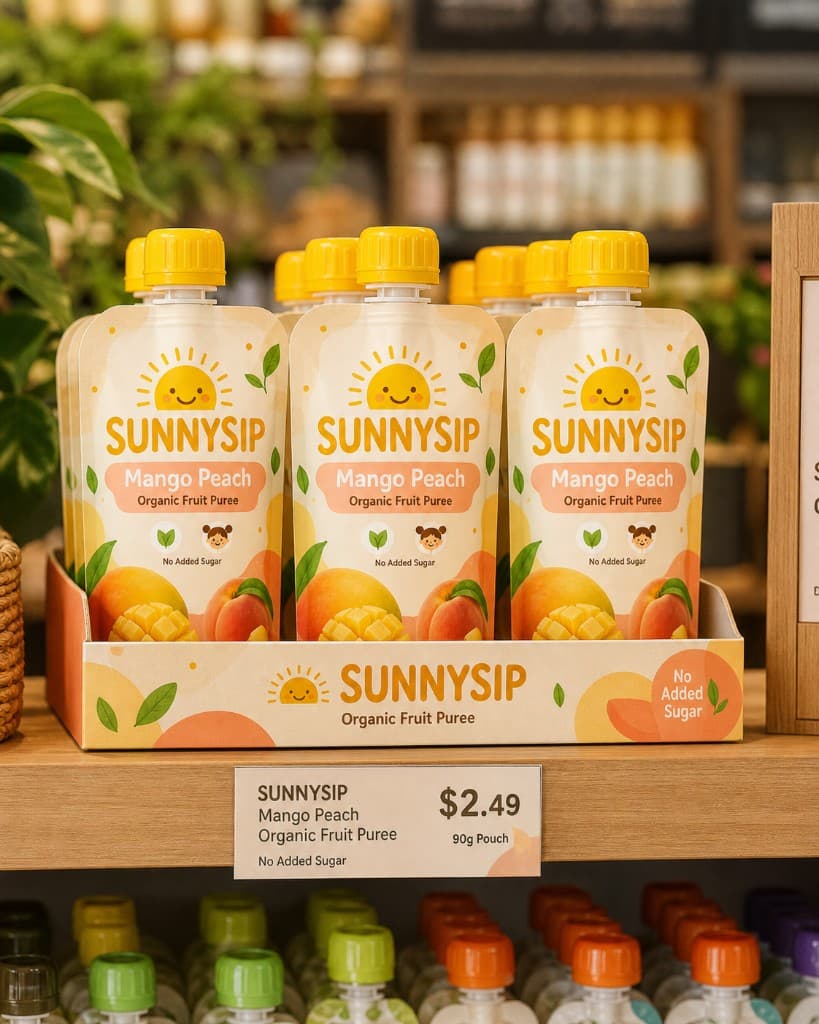
AI visual background and shelf render

Pass

Export

Factory package and production checklist

Pass

AI motion layer

The agent should feel alive before it finishes.

References become directions, directions become editable layers, and production checks stay visible while the work is forming.

Open agent mode

AI production run

Visual generation + structured production gates

Live
Mockup
Mockup
Style system
Style system
PrintMaster
PrintMaster
Agent activity
Map references
Generate visual field
Lock structured text
Run 300ppi gate

AI production proof

Show the AI work customers can ship.

Motion should prove the business outcome: faster revisions, launch-ready imagery, and a factory package that keeps production details under control.

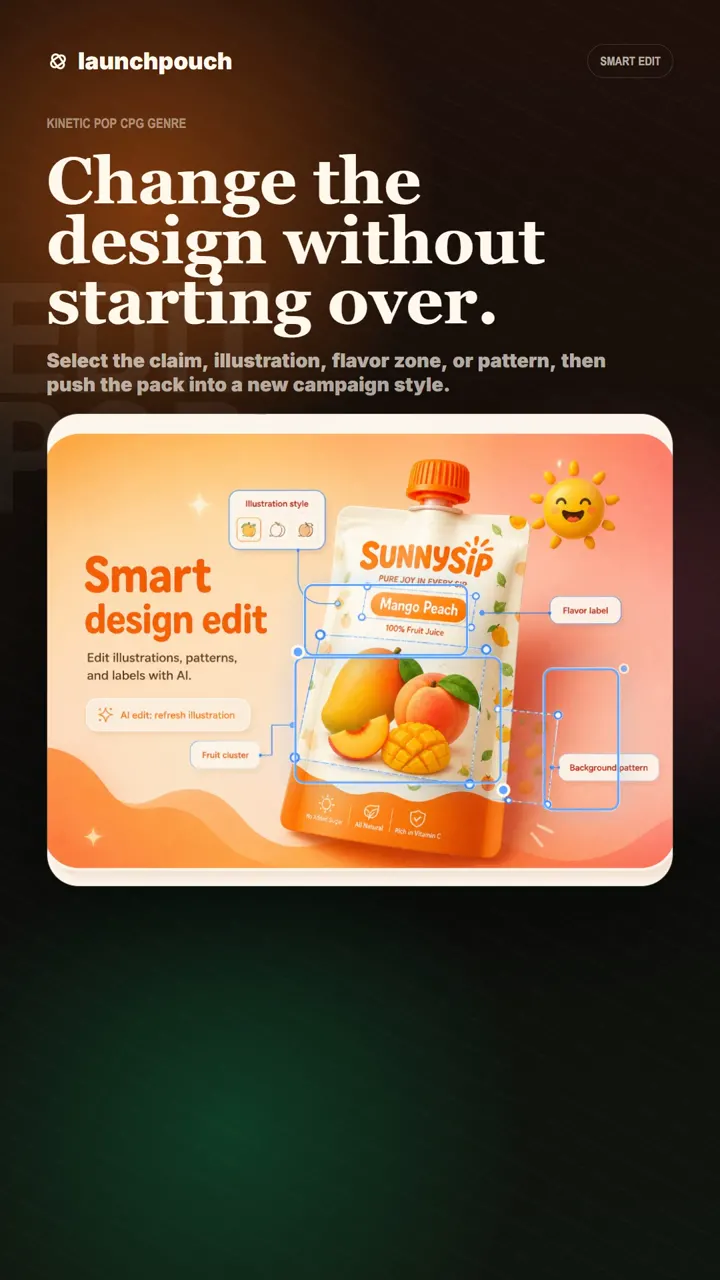
Smart Edit

Revise the pack without flattening production layers.

Customers can request a cleaner background, new flavor cue, or illustration route while logo, claims, barcode, window, and nutrition zones stay editable for the next review.

Structure preserved

Best for client feedback before supplier review.

Visual changes stay fast
Logo and claims remain editable
Revision returns to PrintMaster
Start Production Setup

Smart Edit

Production story video

Structure preserved
Smart Edit packaging workflow poster
Visual changes stay fastLogo and claims remain editableRevision returns to PrintMaster
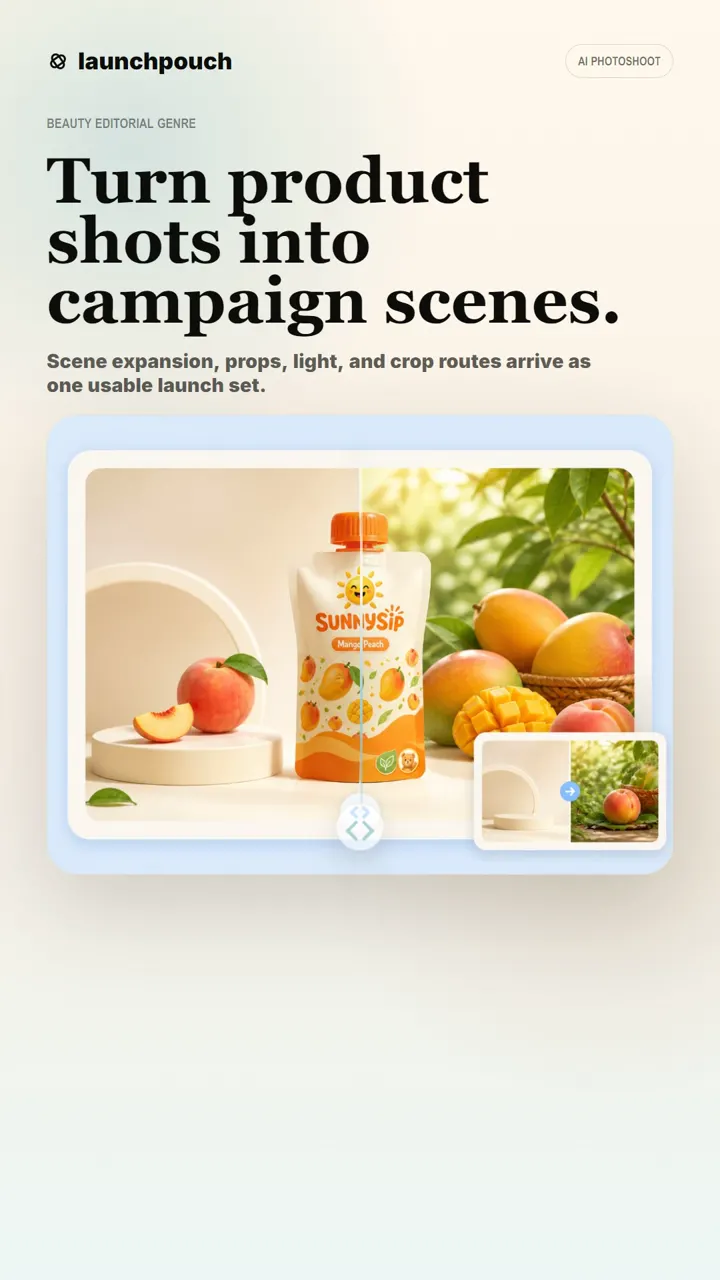
AI Photoshoot

Turn the approved pouch into launch imagery.

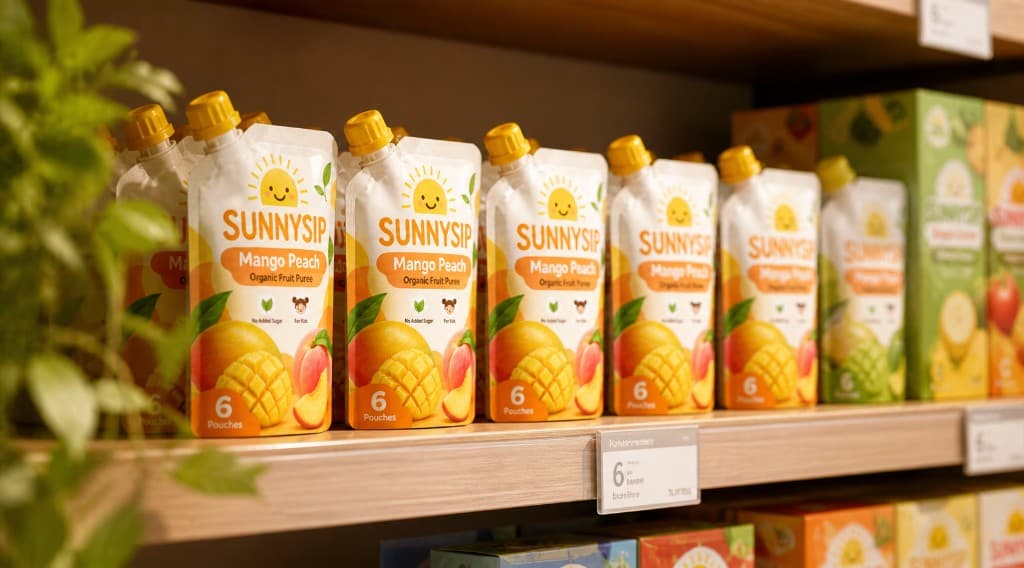
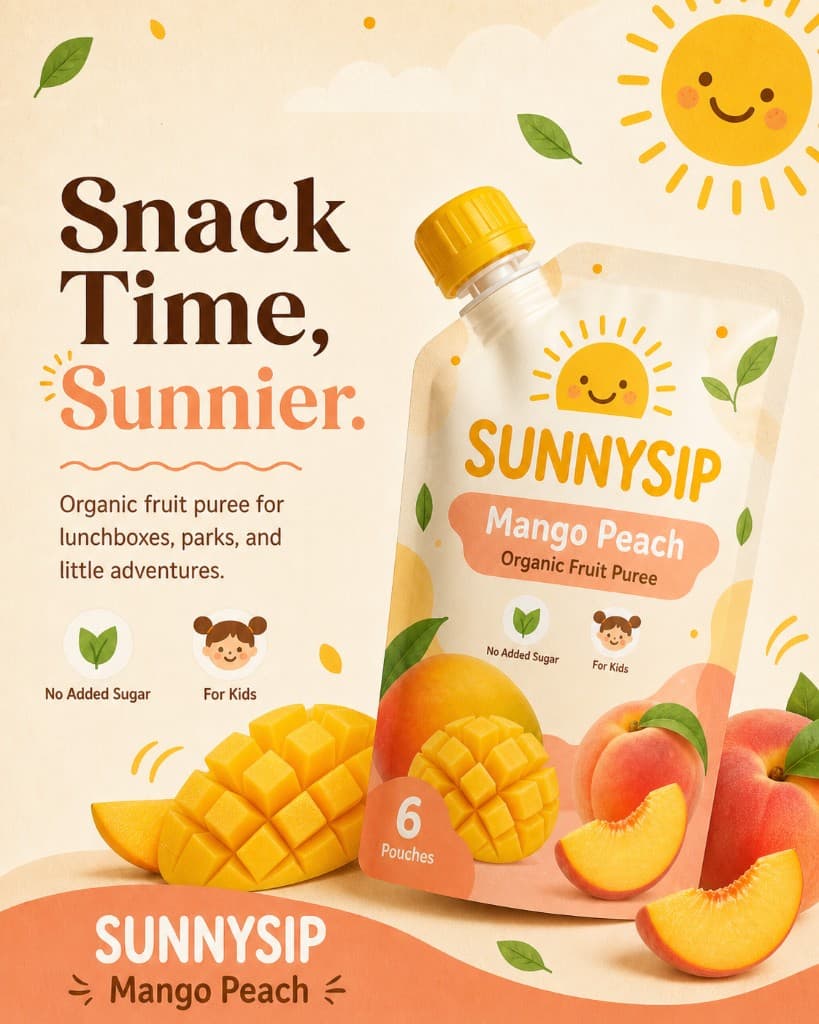
Once the pack direction is approved, the agent creates PDP heroes, ad crops, beauty shots, and retailer-ready scenes without drifting away from the approved pouch system.

Launch assets

Best for ecommerce, retail decks, and paid social.

PDP hero and campaign crops
Pack shape stays consistent
SKU family can reuse the same style
Start Production Setup

AI Photoshoot

Production story video

Launch assets
AI Photoshoot packaging workflow poster
PDP hero and campaign cropsPack shape stays consistentSKU family can reuse the same style
Factory Ready

End with files a supplier can actually review.

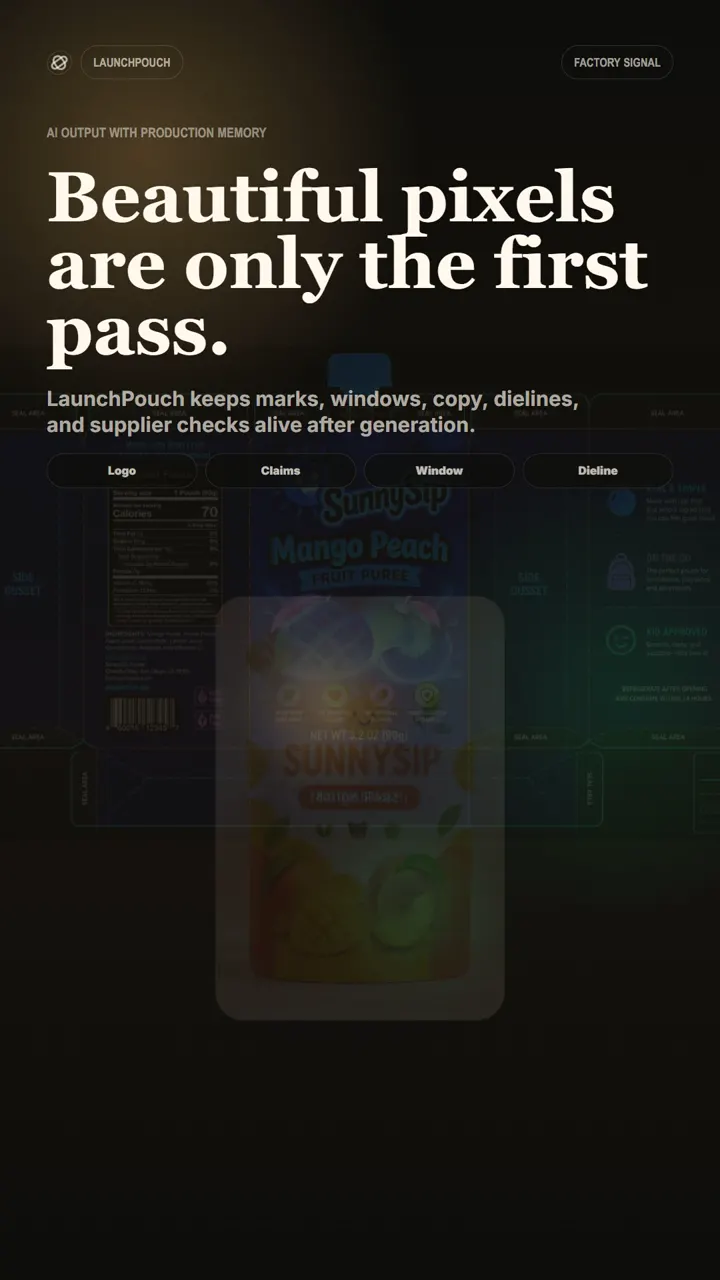
The final step is not just a beautiful render. LaunchPouch checks pixels, effective PPI, bleed, dieline mapping, editable layers, and export contents before the package is called production ready.

Supplier handoff

Best for PrintMaster, mockup proof, layer map, and factory ZIP.

300ppi and bleed checks
Editable production layers
Factory package for supplier review
Start Production Setup

Factory Ready

Production story video

Supplier handoff
Factory Ready packaging workflow poster
300ppi and bleed checksEditable production layersFactory package for supplier review

Feature engine

One brief. A complete production workflow.

Select a pack, reference, text area, or dieline, then ask the agent to create the next supplier-ready asset.

Production workflow agent

Brief packet to supplier-ready asset

Production proof

Select

Pack, reference, text, or dieline

Ask

Agent creates the next supplier asset

Check

PPI, bleed, layers, missing items

Export

PrintMaster, mockup, factory package

Selected input

90 x 130 mm pouch · content reference · style board · logo layer

Next asset: PrintMaster + checklist

The agent creates the next file, then blocks Production Ready until missing chips are solved.

Motion workflow

Watch one brief become a factory-ready packaging system.

300ppiEditable layersFactory export

LaunchPouch production run

References > PrintMaster > Factory package

Layer kit
Layer kit
Dieline
Dieline
Shelf proof
Shelf proof
Production-ready SunnySip pouch render
1875 x 2775 @ 300ppi

Size

90 x 130 mm

Pixels

1875 x 2775

PPI

300

State

Production Ready

Production agent

AI moves fast, but production gates decide when the result can be marked ready.

01 Reference mapping

Start with intent, not a random image prompt.

Content, window/layout, logo, and style references are mapped before the agent creates a visual route.

ContentWindow/LayoutLogoStyle

02 AI visual system

Let AI carry the illustration and atmosphere.

The model builds backgrounds, scenes, local edits, and style variations while structural marks stay protected.

BackgroundIllustrationLocal editStyle

03 Editable print layers

Text, barcode, and required marks remain editable.

Production-critical elements are treated as layers, not pixels trapped inside the generated image.

LogoClaimsBarcodeNutrition

04 Factory export

Leave with a package a supplier can inspect.

Pixel target, effective PPI, bleed, dieline, mockup, and PrintMaster files are summarized before export.

300ppiBleedMockupPrintMaster
Start this workflow

Production studio

Edit the package like software, then export it like print.

Move from copy changes to supplier handoff in one controlled workspace, with every production-critical element visible.

Text edit

Rewrite product copy without breaking composition.

Select claims, flavor names, or label copy as structured text layers. The agent updates copy while the pouch geometry stays locked.

Layer contract

AI art stays separate from production-critical marks.

Background, illustration, and style can be generated freely. Logo, barcode, nutrition, claims, and window layout remain editable.

Factory handoff

The final result leaves with proof, not just a pretty image.

Export the mockup, PrintMaster, layer map, dieline notes, and a checklist that shows why the file is or is not production ready.

Open production setup

Copy edit run

Layout locked · Text editable · 300ppi checked

Needs review solved
High-resolution SunnySip pouch production mockup

Agent patch

ReplaceMango puree blend for kids
AddNo added sugar · Mango Peach

Production rule

The visual can regenerate. The text layer, barcode area, and safe zones stay inspectable.

Layer contract

What AI may change

AI visual field

Editable generation

Background + fruit illustration

Brand marks

Locked structure

Logo + product name + flavor

Compliance

Editable

Barcode + nutrition + required copy

Factory geometry

Checked

Bleed + safe zone + dieline

Factory handoff

Exportable by design

PrintMaster.pdf

Editable layers

Mockup.png

Customer review

Layer-map.json

Supplier notes

Factory-package.zip

Ready handoff

Production Ready can only be set after blocking chips are cleared.

Production case library

Case studies for real pouch launches.

Browse production examples by result, not moodboard. Each case shows size, pixels, effective PPI, source, status, and exportable files.

Library status

8 cases

Production metadata
View production cases
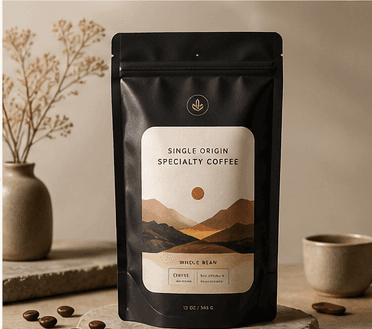
Northline Coffee System pouch production case
Production Ready

Northline Coffee System

Size

90 x 130 mm

Pixels

1875 x 2775 px

Effective PPI

300ppi

Use

PrintMaster + mockup

Production brief

Premium specialty coffee pouch with warm editorial cues and roast variants.

Output

Hero pouch, detail crop, roast family, and deck-ready board.

Editable PDFPNG mockupLayer mapChecklist

Style consistency

One visual signature, every SKU still distinct.

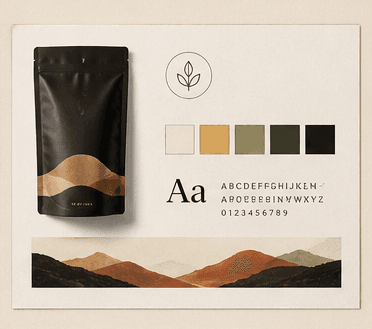
Generate new flavors, formats, and campaign assets while preserving the brand system that makes the package recognizable.

Color rhythm

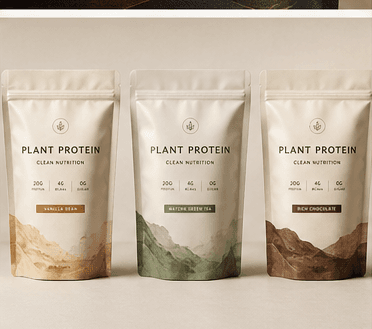
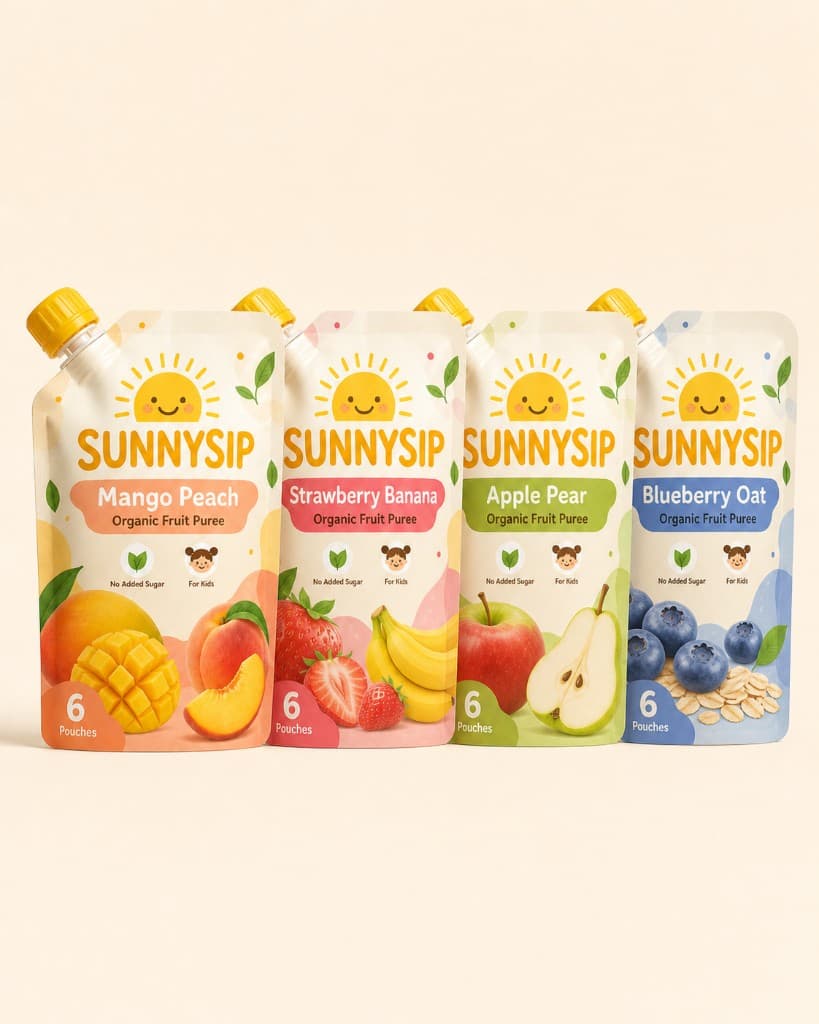
Mango, berry, and banana stay related without collapsing into one SKU.

Type contract

Brand, flavor, claims, and proof marks stay in predictable positions.

Editable system

Colors, copy, illustrations, and icons remain separable for production.

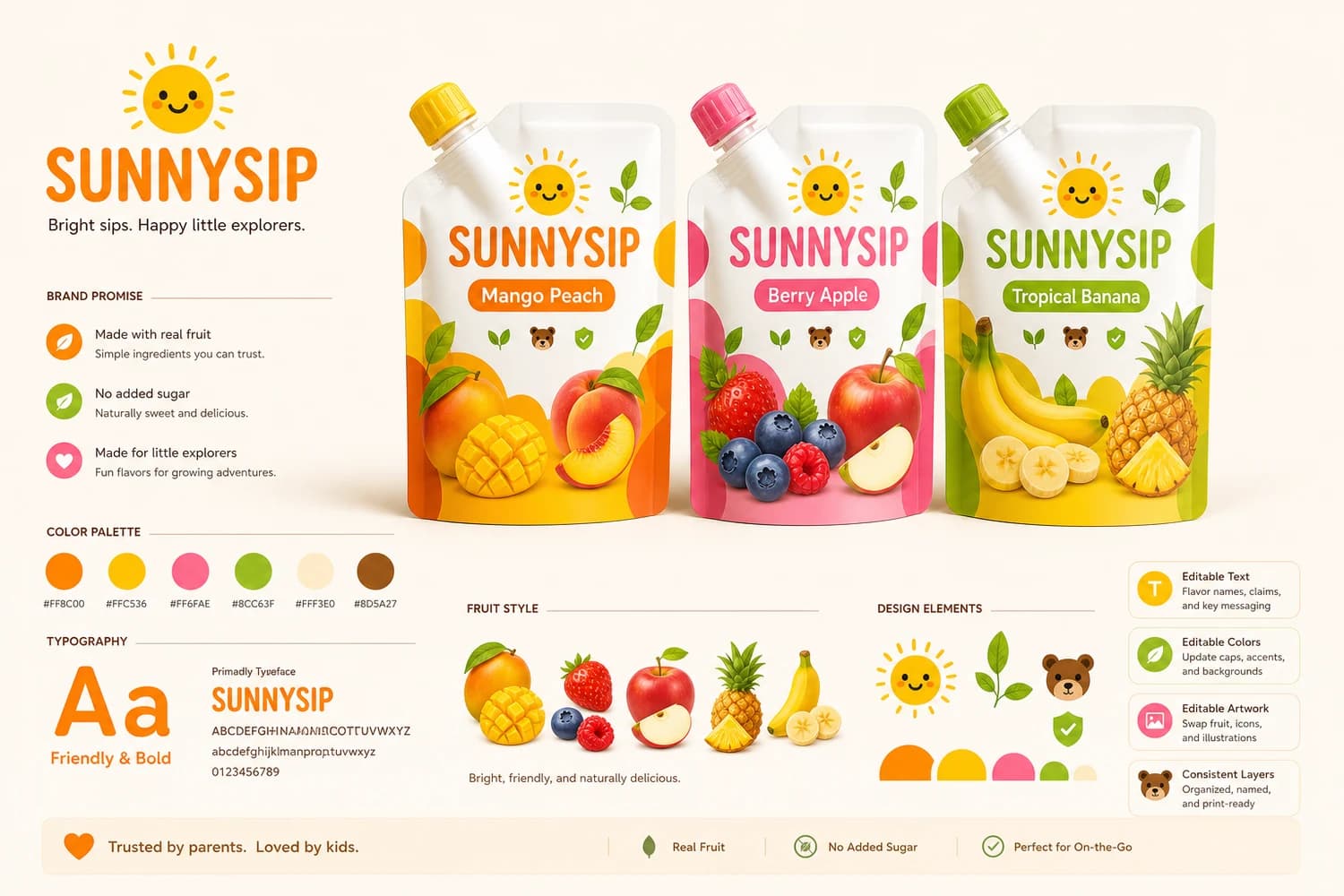
SunnySip style consistency packaging family board
Style lock: 96%

3 SKUs share one production system

LaunchPouch Agent

Production setup to factory export

Ask LaunchPouch to create a supplier-ready packaging file.

LogoDielineStyleContent